Required payments come first
Bills and minimum debt payments are accounted for before cash is treated as available.
 Clearflow
Early access
Clearflow
Early access
A clearer way to plan
Know what's covered.
Then decide.
Clearflow puts income, bills, debt payments, savings, and planned purchases on one timeline. See what is left before you move money.
The useful question is not only where the money went.
Clearflow lays out the dates and amounts that matter, then shows how today's choice affects the rest of the plan.
See it in the app
How the app works
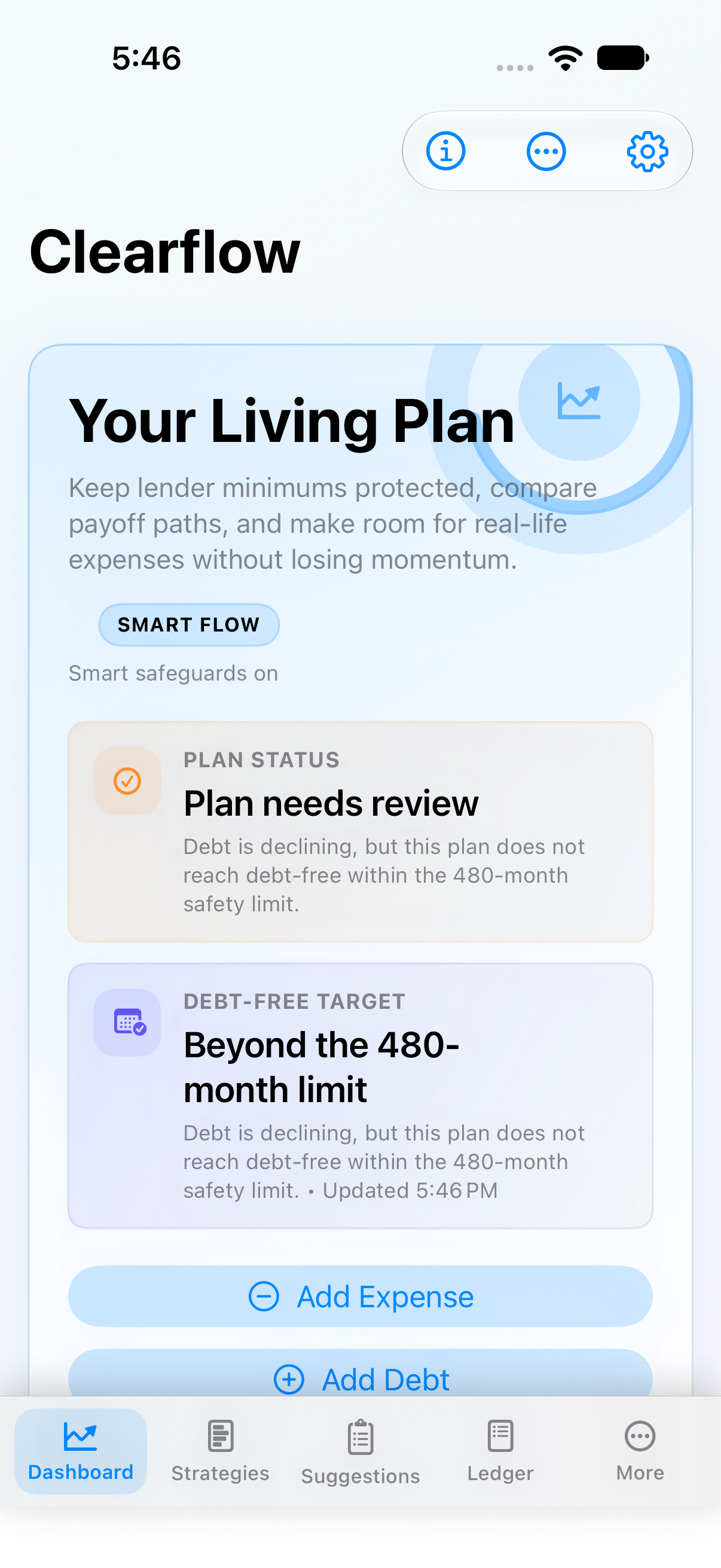
Start with the plan status, open the detail behind it, compare a payoff option, then return to the Ledger when real life catches up.
Clearflow opens on Your Living Plan. Start with the plan status and upcoming items instead of treating the current balance as the whole story.
On Mac
Use the larger view to inspect the ledger, compare outcomes, and trace a number back to the entries behind it.

Rules we built around
Bills and minimum debt payments are accounted for before cash is treated as available.
Projected activity remains separate from what you have confirmed. A forecast is useful, not a promise.
Clearflow shows timing, cost, and tradeoffs. You decide what to do.
Need the longer version?
See how to set up the plan, read the screens, and keep the numbers current.
Start here
Read the guide, then set up the plan with the income, obligations, and goals that matter to you.
Open the guide